
Overview
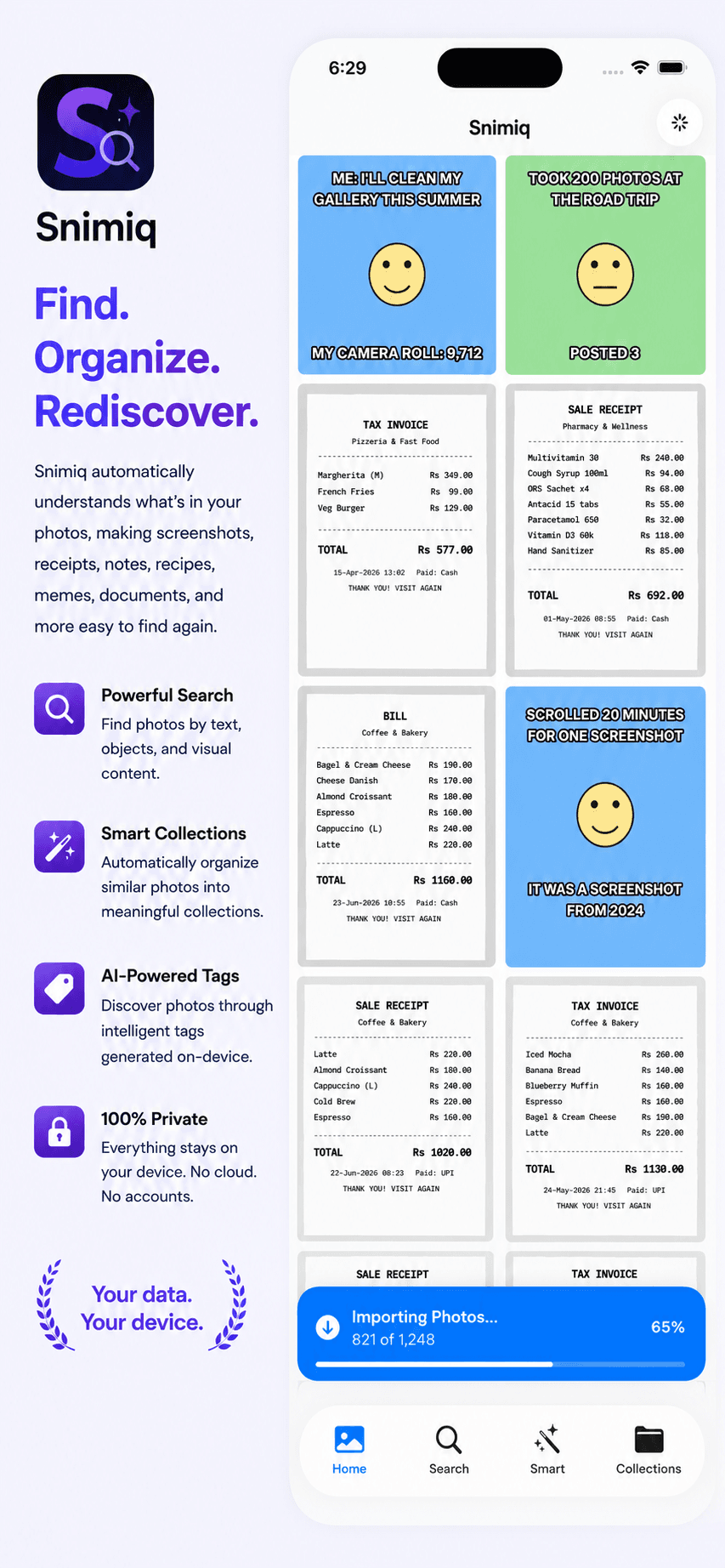
Snimiq is an iOS app that makes photo libraries searchable using on-device OCR and Vision-powered automatic tagging. Instead of scrolling through a disorganized camera roll, users get fast search across any text a photo contains, plus tags generated automatically at import time.
The architecture is privacy-first by design: photo processing, OCR, tagging, and indexing all happen entirely on-device. There's no backend, no user accounts, and no cloud storage — photos and everything derived from them never leave the phone.
- The problem
- Photo libraries grow fast and become unsearchable — screenshots, receipts, and documents pile up with no reliable way to find a specific one later beyond scrolling.
- Why I built it
- I wanted photos to be searchable by their actual content, while keeping the architecture strictly privacy-first — no backend, no accounts, and no photo data ever leaving the device.
- Target users
- Anyone whose camera roll fills up with screenshots, receipts, and reference photos and wants to find a specific one by what it says, not when it was taken.
Features
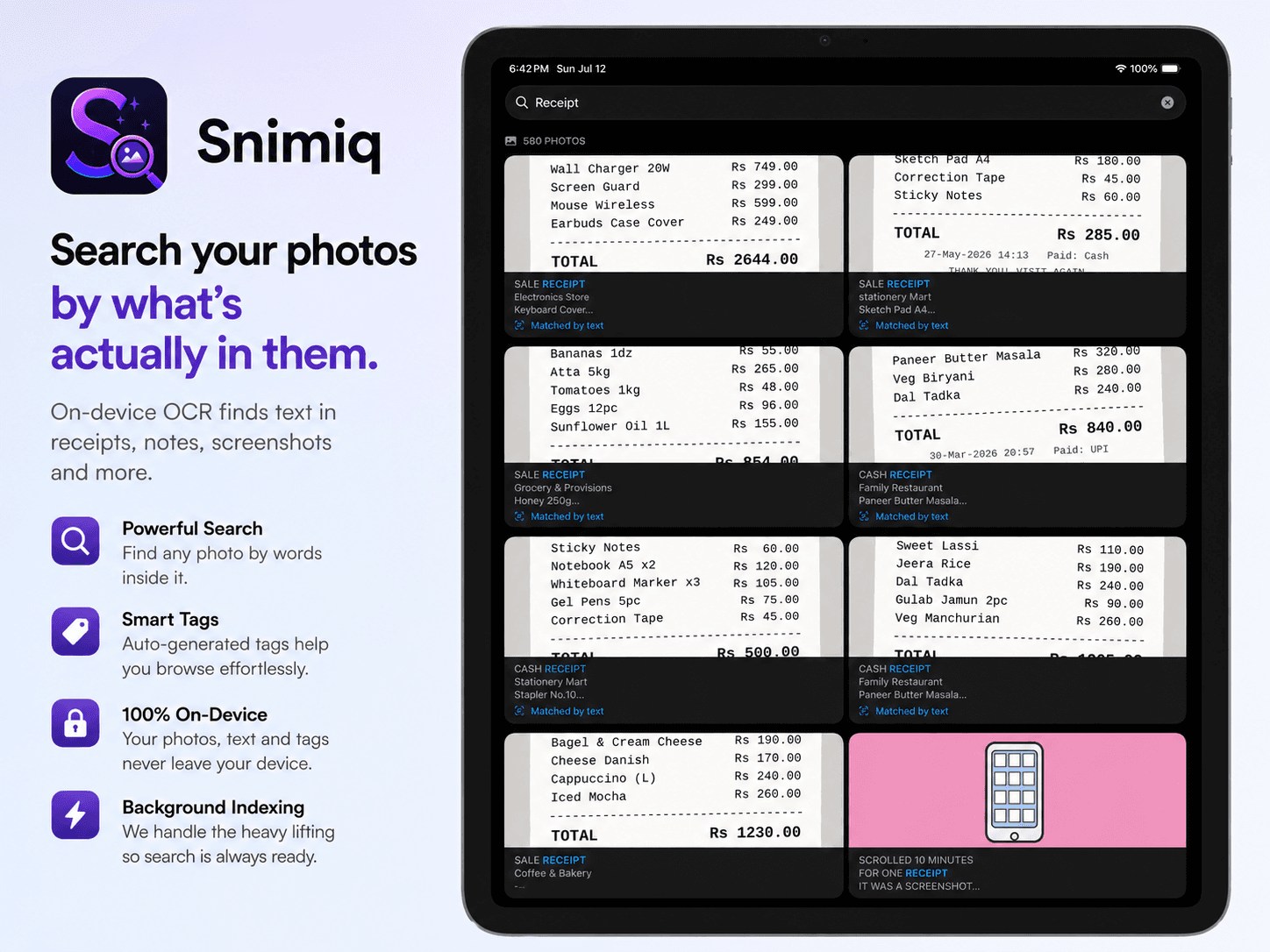
OCR-powered search
Every photo is scanned with the Vision framework on import, so users can search by any text that appears in the image — receipts, screenshots, documents, signs — not just filenames.
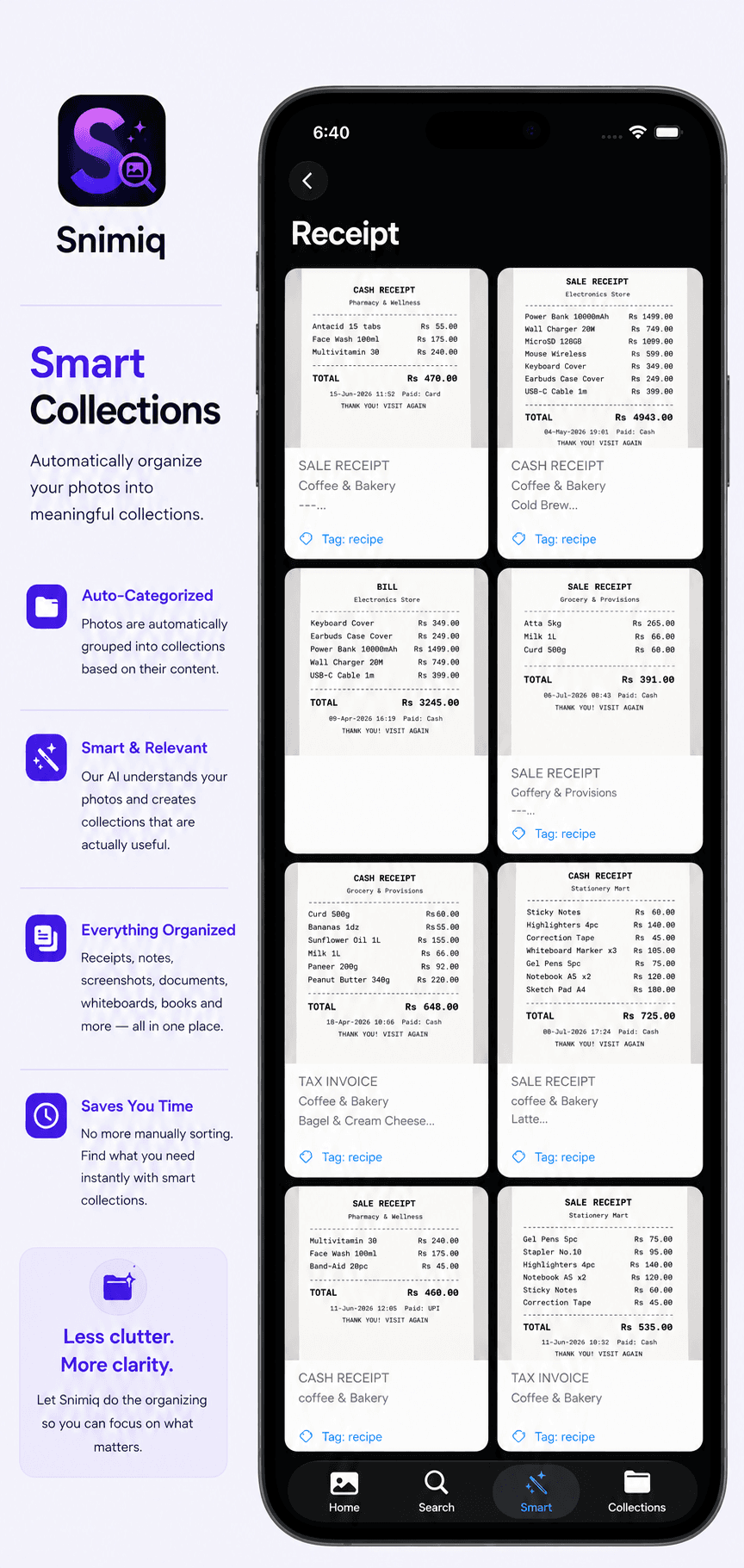
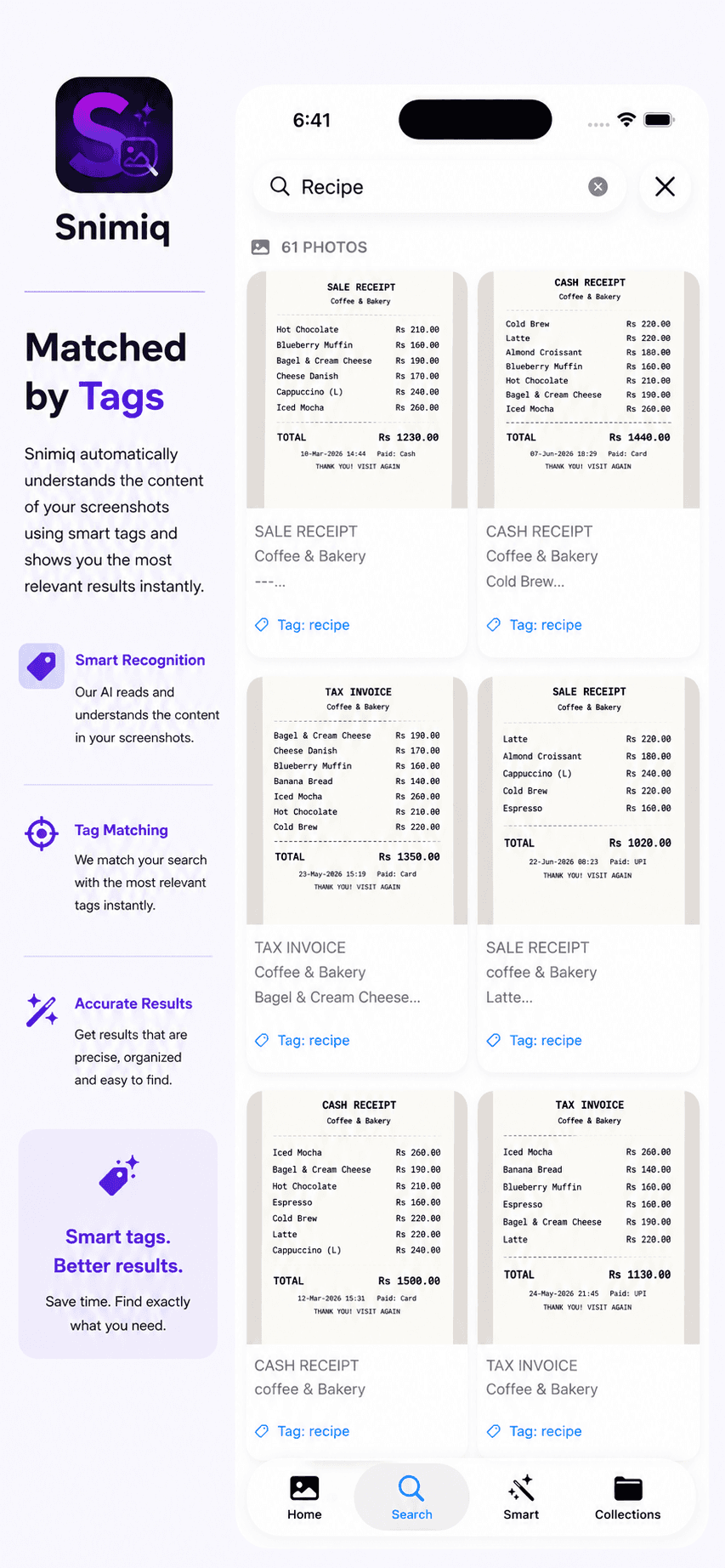
Vision-powered automatic tagging
Tags are generated automatically at import time using Vision, so the library stays organized without any manual effort from the user.
Privacy-first, on-device architecture
Photo processing, OCR, tagging, and indexing all run on-device. There's no backend, no user accounts, and no cloud storage — nothing is ever uploaded.
Background indexing
New photos are indexed in the background using BackgroundTasks (BGTaskScheduler), so the library stays up to date without the user having to keep the app open.
Independently shipped
Built and shipped end to end — architecture, implementation, testing, and App Store release — as an independent project.
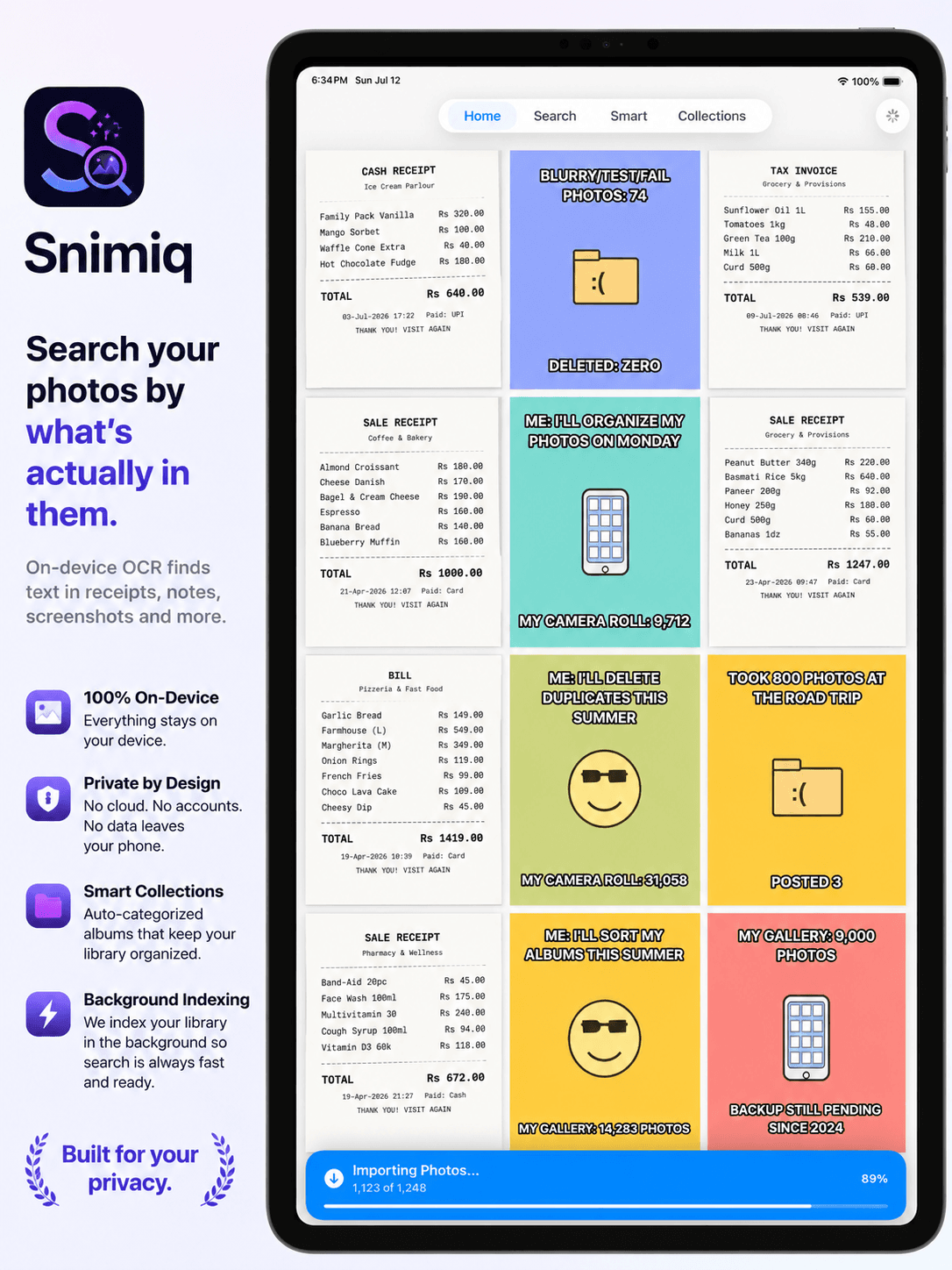
Also on iPad
Technical Architecture
- App architecture
- Snimiq follows MVVM with protocol-oriented dependency injection — services like OCR, tagging, and indexing are defined as protocols and injected into view models, keeping the app testable and each layer independent of concrete implementations.
- On-device processing pipeline
- Photos are processed entirely on-device: Vision extracts text (OCR) and generates tags at import time, with no network round-trip and no server involved anywhere in the pipeline.
- Background indexing
- BackgroundTasks (BGTaskScheduler) handles indexing new photos when the app isn't in the foreground, so the library and search index stay current without requiring the user to keep the app open.
- State management
- View-level state lives in SwiftUI @State and @StateObject; injected service protocols expose the data view models need without coupling views to Core Data or Vision directly.
- Persistence
- Core Data stores photo metadata, extracted OCR text, and generated tags locally, indexed for fast search across the full library.
Challenges
Reliable background indexing
BGTaskScheduler gives the OS control over when background work actually runs, within a limited time budget. Structuring indexing as small, resumable units of work was necessary to make progress reliably within those constraints.
OCR throughput without blocking the UI
Running Vision OCR across a large photo library without blocking the UI required moving the pipeline onto background queues with controlled concurrency, processing photos incrementally rather than all at once.
Testable architecture with no backend
With everything running on-device, protocol-oriented dependency injection was key to keeping OCR, tagging, and persistence testable in isolation via unit tests, without needing a real Vision pipeline or Core Data stack in every test.
Lessons Learned
- Designing around BGTaskScheduler's constraints from the start — rather than retrofitting background work later — made indexing far more reliable.
- A strictly on-device, no-backend architecture simplifies the privacy story significantly, but it means every architectural mistake has to be fixed via an app update rather than a server-side patch.
- Protocol-oriented dependency injection made the codebase far easier to test — services like OCR and tagging could be swapped for test doubles without touching view model logic.
Legal information for Snimiq